
Used Phone Buying Guide Pakistan: PTA, IMEI Checks
A used phone is often the smartest buy in Pakistan. A one-year-old handset can cost half the price of a new one, and the hardware is usually still more than good enough. But the used market has traps that a new-phone buyer never faces: a phone that stops working on your SIM after a few weeks, a handset locked to someone else’s account, or a “PTA approved” claim that falls apart the moment you check it yourself.
The good news is that almost every one of these problems can be found in about twenty minutes, before you hand over any money. This guide walks through the checks in the order that matters most, starting with the one check no buyer in Pakistan should ever skip.
Start With the PTA Check, Not the Price
In Pakistan, PTA approval comes before everything else — before the camera, before the battery, before the bargain. The Pakistan Telecommunication Authority runs DIRBS, the Device Identification, Registration and Blocking System, which records whether each phone’s IMEI is registered, whether tax is owed, and whether the device is blocked. A phone that is not registered will work on a local SIM for a short grace period — generally around 60 days from its first connection to a Pakistani network — and then lose calls, SMS and mobile data on every local carrier. It still works on Wi-Fi, but as a phone it is finished.
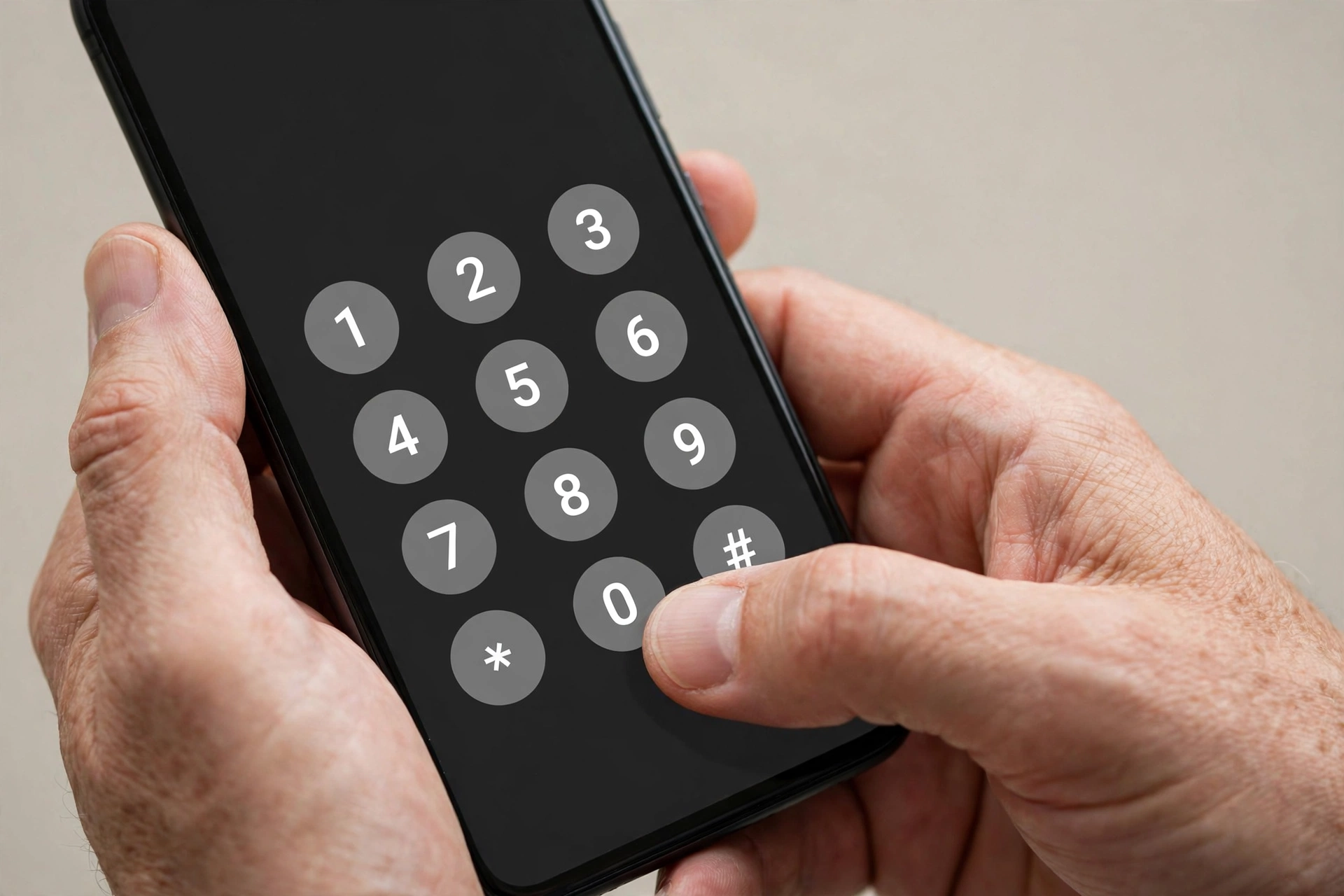
Checking takes about two minutes, and the check itself is free — you pay only your operator’s standard SMS charge. Dial *#06# on the handset itself (never trust a number the seller reads out) and note the 15-digit IMEI. Then send that IMEI by SMS to 8484, or dial *8484# and follow the menu, or enter it on the DIRBS portal at dirbs.pta.gov.pk. All three use the same database. If you want the full step-by-step version, see our guide on how to check PTA status via DIRBS.
Read the reply carefully, because the wording matters. “Compliant” means the phone is registered and safe to use. “Non-compliant” means tax is unpaid and the blocking clock is running. “Blocked” means the phone has already lost network access — because it was reported lost or stolen, stayed unregistered past the grace period, or was flagged for fraud — and you should not buy it unless you fully understand what it takes to clear it. One more point in the buyer’s favour: registration is tied to the IMEI, not the owner, so a phone that is already PTA approved stays approved when it changes hands, and you pay no further registration tax. If the phone is non-compliant and you still want it, find out the exact tax first — our guide on how to pay the PTA tax online via PSID explains the process — and subtract that figure from what you are willing to pay.
Match the IMEI Everywhere — and Spot a Patched Phone
A clean 8484 reply is not the whole story. The second check catches the trick that a single “approved” message misses: the patched phone. Patching means a phone carries somebody else’s IMEI number, so the DIRBS record looks clean while the hardware in your hand is a different, unregistered device. The giveaway is a mismatch — and you can find it without any tools.
Compare the IMEI shown by *#06# against every other place it appears: the box, the SIM tray or the back of the phone, and Settings, under About Phone. On a dual-SIM phone, check both IMEIs, because one slot can be registered while the other is not, and the unregistered slot will be blocked. Then compare the brand and model in the DIRBS reply against the device in your hand. A patched phone reports its own real hardware while carrying somebody else’s number, so the two do not match. Any mismatch — screen versus box, tray versus settings, reply versus handset — means the phone is not what it is being sold as. Walk away, however good the price looks.
Be equally careful about how you check. PTA has warned buyers about fake links and messages that pretend to offer DIRBS services. Start from PTA’s official site or the 8484 shortcode, never from a link the seller sends you, and never pay anyone a fee “to check” an IMEI — the official check is free.
The 10-Minute Hardware and Battery Test
Once the paperwork side is clean, test the phone itself — in daylight, with your own SIM, before you pay. Start with the body: dents on the frame mean hard drops, and uneven gaps or mismatched screws around the screen usually mean the phone has been opened and repaired. A repaired phone is not automatically a bad buy, but an undisclosed repair should be reflected in the price, and it tells you something about the seller.
Next, the screen. Turn the brightness up, open a plain white image full-screen, then a plain black one. White reveals dead pixels, discolouration and burn-in; black reveals backlight bleed and uneven patches. Drag a finger slowly across every corner and edge — if touch sticks or jumps anywhere, the digitiser has dead zones, a common fault on repaired screens that sellers almost never mention.
Then work through the functions: put your own SIM in each slot, make a call, test mobile data, open the camera (front and back), play a sound, test the microphone, plug in a charger to confirm the port works, and try the fingerprint sensor or face unlock. On an iPhone, open Settings, then Battery, then Battery Health — below 85% capacity, expect a replacement soon and negotiate accordingly. On Android, watch how fast the percentage drops and how hot the phone gets during a few minutes of use. As a final storage test, copy a large file onto the phone and open it: failing storage often passes casual use and fails on sustained writes. A phone like the Samsung Galaxy A17 or the Oppo A6 Pro is a common used-market pick in the budget and mid-range, so compare the used price against the current new price before deciding whether the saving is real.
Locks, Accounts and Paperwork Before You Pay
This is the trap that leaves buyers with a phone they cannot use at all, with no recourse. A phone still signed in to the seller’s Apple ID or Google account will lock itself the moment it is factory reset — and the lock cannot be removed by any legitimate means. So make the seller do this in front of you, before you pay: sign out of iCloud and turn off Find My on an iPhone, or remove the Google account on Android, remove every screen lock, and factory-reset the phone while you watch. After the reset, the phone must complete setup without asking for the previous owner’s credentials. If it asks, or if the seller refuses to reset it in front of you, end the deal.
Also confirm the phone is not network-locked by testing your own SIM, and ask for the box, charger and original bill if they exist. They are a good sign, but they are not proof on their own — a box can belong to a different phone, which is exactly why the IMEI match in the previous section matters. Finally, get a written receipt showing the model, storage, both IMEIs and the price, plus the seller’s name and contact number. If anything goes wrong in the first few days, that receipt is your only leverage.
Fraud Red Flags: When to Walk Away
Some deals announce themselves as trouble. Walk away if the price is far below every comparable listing — stolen phones are usually priced to move quickly, and on an unregistered or patched device the “discount” is often just the unpaid duty, which becomes your problem when the phone stops working. Walk away if the seller will not meet in person, will not let you run the checks, rushes you, or asks for any advance payment — not a deposit, not “delivery charges”, not anything. Genuine sellers do not mind twenty minutes of checks; anyone who rushes you is telling you something.
Other warning signs: a “sealed box” claim on a phone being sold as used, a seller who insists on their own IMEI-check link instead of 8484 or the DIRBS portal, a phone with no box, no bill and no story on a flagship that should have all three, and any claim of “PTA approved” that you have not verified yourself. Meet in a public place, preferably a busy market or a shop you know, test everything first, and pay cash in person only after the phone passes every check above. The cheapest phone is the one you only buy once.
Run these checks in order — PTA status, IMEI match, hardware and battery, locks and paperwork — and a used phone becomes what it should be: the best value in the Pakistani market. For more phone-buying help, see more guides on MobZilo.
2 Comments