PTA DIRBS Blocking in Pakistan: Causes and Fixes
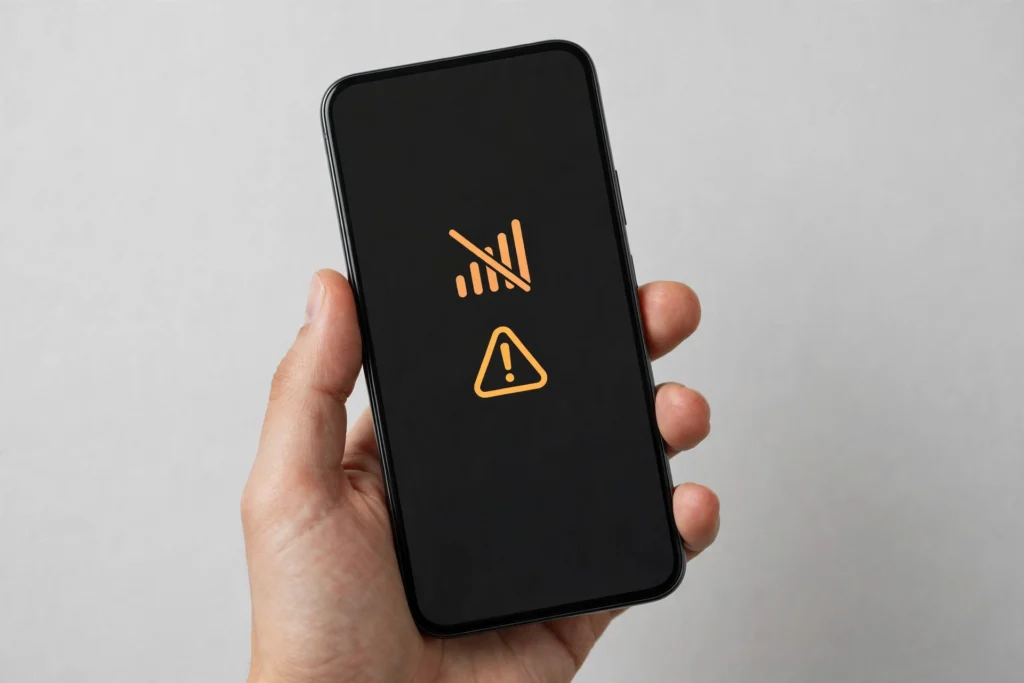
Nothing panics a phone owner in Pakistan quite like a handset that suddenly stops catching a signal. The Wi-Fi still works, the phone itself looks fine, but no Jazz, Zong, Telenor or Ufone SIM will connect. In most cases, that is PTA DIRBS blocking: the phone’s IMEI has been shut out of every Pakistani mobile network at once.
Blocking is not random, and it is usually avoidable. It happens for a handful of specific reasons, and most of them trace back to something the owner did — or did not do — weeks or months earlier. This guide explains how DIRBS blocking works, the five main reasons a phone gets blocked, the mistakes that cause most blocks, and what you can actually do if your phone is already blocked.
What DIRBS blocking actually means
DIRBS stands for the Device Identification, Registration and Blocking System, run by the Pakistan Telecommunication Authority (PTA). Every phone has a unique 15-digit IMEI number — dial *#06# to see yours — and DIRBS keeps a central record of which IMEIs are allowed on Pakistani networks.
A phone that is officially imported, or properly registered with its tax paid, shows up as compliant. A phone that is not registered shows up as non-compliant. A blocked phone is a step further: its IMEI has been placed on a block list, and operators refuse it network service no matter which SIM you insert. Changing the SIM does not help, because DIRBS checks the handset, not the SIM. Switching to an eSIM does not help either, for the same reason — the IMEI stays the same.
That is also why blocking feels so sudden. Your phone works normally until the day the block takes effect, and then it stops on all networks at the same time. Wi-Fi, Bluetooth and the camera keep working, because DIRBS only controls mobile-network access.
There is one important distinction to keep in mind. A blocked phone and a blocked SIM are different things. A phone block targets the handset’s IMEI through DIRBS. A SIM block targets a mobile connection, for example when the CNIC behind it has expired or been cancelled. Both leave you without service, but they are fixed in completely different ways, and confusing the two wastes days.
The five reasons PTA blocks a phone
1. The registration window ran out. This is the most common cause. A phone brought into Pakistan from abroad, or bought as a non-PTA set, gets a grace period on Pakistani networks. After that window closes without registration and tax payment, DIRBS blocks the handset. The standard grace period is 60 days from first use on a Pakistani network, and a separate free temporary registration can extend a visitor’s use to 120 days from arrival. Miss both, and the block follows.
2. The phone was reported lost or stolen. PTA blocks lost and stolen phones through its Lost and Stolen Device System (LSDS). The owner files a complaint through the PTA Complaint Management System app or portal, and once verified, the IMEI is blocked across all networks so the handset cannot be used or resold as a working phone. This is a deliberate, protective block, and only the person who filed it can ask for it to be reversed.
3. The IMEI was patched, altered or faked. So-called CPID or patched phones have had their IMEI software changed to imitate a compliant handset. These are illegal, and PTA can block them at any time — permanently. A patched phone may show a reassuring status for a while and then die without warning, which is why a cheap “PTA approved” deal that seems too good to be true often ends exactly this way.
4. An installment plan was broken. Under FBR’s CGO No. 06 of 2026, eligible users can pay their phone’s import tax in monthly installments through DIRBS. But the rule has teeth: miss an installment and you become a defaulter, the phone is classified as unregistered and blocked, the entire outstanding tax becomes due at once, and the installment option is gone. If you chose installments, the payment calendar is not optional.
5. The handset was used in a fraud. Under PTA’s 2026 subscriber-verification amendments (notified through SRO 1519(I)/2026), operators must immediately block SIMs issued through fraudulent means — and also block the IMEI numbers of devices used to issue or activate such connections. This is a rarer cause for ordinary users, but it is a reminder that a handset tied to a fraudulent activation can be blocked even if its owner never touched the fraud.
The 60-day clock most buyers misunderstand
The 60-day grace period is the single most misunderstood rule in Pakistan’s phone market, and misunderstanding it causes more blocks than any other mistake. The clock starts when the phone first connects to a Pakistani network — not when you buy it, not when you open the box, and not when you decide to register it.

That has three consequences buyers keep missing. First, a phone bought from a shop in Pakistan may already have burned part of its grace period if it was briefly used or tested on a local network before sale. Second, the 60 days are not renewed by leaving the country and coming back with the same handset — PTA’s own FAQ position is that the window does not restart on a later visit. Third, a phone on a foreign SIM in roaming does not need registration at all, which is why a visitor’s roaming phone keeps working while a locally inserted SIM in the same handset is counting down.
The practical lesson is simple: check the status on day one. Send the 15-digit IMEI by SMS to 8484, or check it on the DIRBS portal at dirbs.pta.gov.pk, before you pay, and again the day you start using the phone. A “compliant” result means you are safe. A “non-compliant” result means the clock is running and you need a plan. A “blocked” result means you should not buy that handset at any price.
Seven mistakes that get phones blocked
Buying without an 8484 check. This is mistake number one, and it is entirely avoidable. Never pay for a used or “PTA approved” phone until you have checked its IMEI yourself, on the seller’s phone, in front of the seller. A shop’s verbal assurance is worth nothing once DIRBS blocks the handset.
Trusting a patched phone. If a seller mentions CPID, patching, or a “software-approved” phone, walk away. Patched IMEIs are illegal, PTA blocks them without a grace period, and no payment or complaint reliably restores them.
Registering on someone else’s CNIC or passport. Registering your phone under another person’s identity creates a legal tangle that can surface months later — especially if that person’s CNIC expires, is cancelled, or belongs to someone who has died. Always register under your own CNIC or passport.
Letting your CNIC expire. PTA has warned that SIMs linked to expired, cancelled or deceased persons’ CNICs can be suspended, and operators under the 2026 rules must block SIMs tied to cancelled identity documents within five days unless NADRA updates the record. Renewing your CNIC is not just paperwork; it protects your connection.
Assuming a new SIM resets the clock. It does not. DIRBS tracks the handset’s IMEI, so swapping SIMs, operators or eSIM profiles changes nothing about a block or a deadline. Only registration, payment or a formal unblock changes the status.
Paying an “agent” to unblock a phone. PTA’s own advice is blunt: do not pay anyone who promises to unblock a phone for a fee. Genuine unblocking goes through PTA’s official app, portal or helpline (0800-55055) only. Agents selling unblocks are usually selling patched IMEIs or nothing at all — and a patched phone gets blocked again anyway.
Ignoring the installment calendar. If you registered under the CGO 06 installment scheme, each month needs its own PSID, and the final installment must land before 30 June. Set reminders for every installment date, because a single missed payment triggers the defaulter block and the full outstanding tax.
Already blocked? What to do next
Start by confirming the exact status. Send the IMEI to 8484 or check the DIRBS portal, and note whether the phone shows as non-compliant, blocked, or blocked as lost or stolen. The fix depends entirely on which one it is.
If the phone is non-compliant because tax was never paid, the fix is registration and payment through DIRBS: apply on the DIRBS portal, generate the PSID, and pay through your bank app, ATM, wallet or bank branch. Approval typically follows within 24 to 48 hours of payment, after which the status should turn compliant.
If the phone was blocked as lost or stolen and you have since recovered it, only the person who filed the original block can request the reversal, using the original complaint reference number and CNIC through the PTA complaint system. PTA’s 2026 guidance puts the expected unblock at around 24 hours after verification; some third-party guides quote 24 to 48 hours or a few working days, so treat the exact timing as variable and keep your complaint reference safe.
If the phone is blocked because its IMEI was patched, be honest with yourself: there is usually no legitimate fix. Paying a shop to patch it again only restarts the same cycle. The realistic options are to retire the handset to Wi-Fi-only use or replace it with a genuinely compliant phone.
Finally, if you believe the block is simply wrong — for example, a phone you registered and paid for — raise it through the PTA complaint system or helpline with your PSID receipt, payment proof and IMEI. Keep every receipt. In DIRBS disputes, the payment slip is your evidence, and without it you are arguing from memory.
The safest phone in Pakistan is a boring one: bought from a reputable seller, checked on 8484 before payment, registered under your own CNIC, and paid for in full or on an installment calendar you actually follow. Do those four things, and DIRBS blocking is something that happens to other people’s phones — not yours. This matters just as much for budget handsets such as the Samsung Galaxy A07, the Redmi 15C and the Infinix Smart 20, whose buyers often skip the 8484 check. For the latest mobile news, prices and guides, keep visiting MobZilo.
1 Comments