Phone Overheating in Pakistan Summer? Fix It Fast
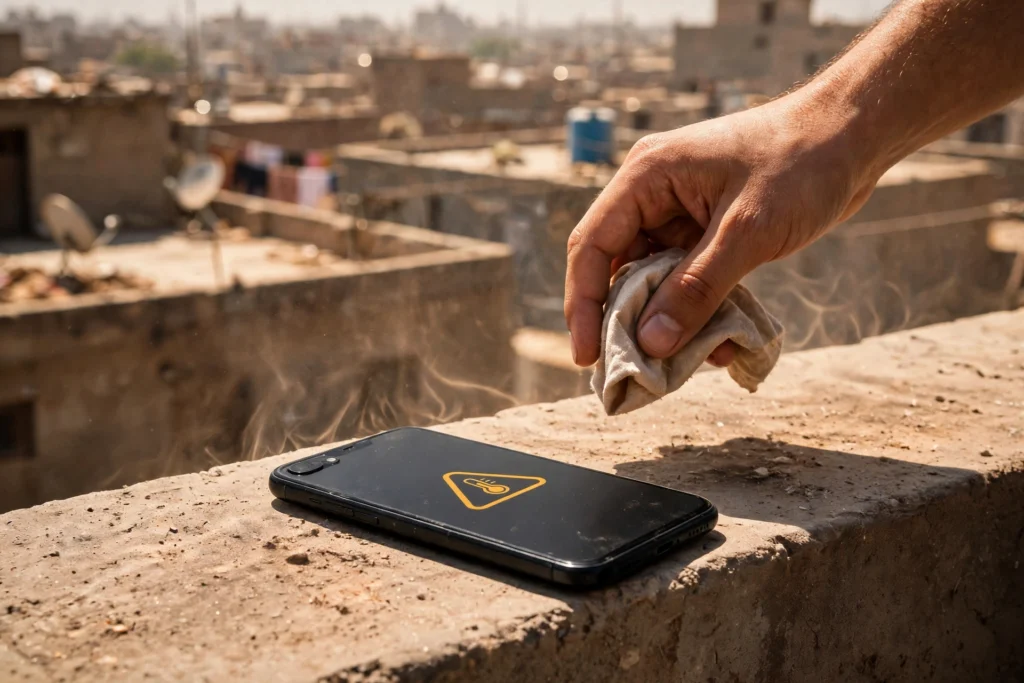
It is June in Jacobabad and the thermometer reads 48 degrees. Your phone has been on the bike’s handlebar mount for twenty minutes, the screen is dimming itself, the camera refuses to open, and the back of the phone is too hot to hold comfortably. This is not a rare accident in Pakistan — it is what happens when a device designed for a mild climate meets one of the hottest summers on earth. Phones are built to work in air temperatures between 0 and 35 degrees Celsius, according to Apple, Samsung and Google alike. In June 2026, Dadu recorded 51 degrees, Jacobabad 48, Lahore 41 to 42, and Karachi 37 degrees that felt like 42 with the humidity. Even in November, Jacobabad still touches 35 degrees. Your phone never stood a chance without a little help.
This guide explains what is normal warmth and what is real overheating, the eight causes that matter most in Pakistan, how to cool a hot phone safely, the one popular “fix” that destroys phones, and the warning signs that mean the problem is inside the phone — a failing battery or a hardware fault — and no amount of shade will solve it.
Why Pakistan summer is brutal for phones
The core problem is a mismatch. Apple, Samsung and Google all design their phones for use in air between 0 and 35 degrees Celsius, and Apple calls 16 to 22 degrees the ideal comfort zone. Apple also warns that using an iPhone in very hot conditions can permanently shorten battery life, and that air above 35 degrees can permanently damage battery capacity. For storage, Apple and Google both say to keep the phone below 45 degrees. A car dashboard in direct sun passes that easily.
Pakistan’s June 2026 heatwave, tracked by the Pakistan Meteorological Department from 7 to 12 June, shows how far past that limit everyday life goes. Sibi recorded 46 degrees on 7 June and Dadu 45; by 12 June Dadu hit 51 degrees and Jacobabad 48, while Lahore sat at 41 to 42 degrees and Karachi at 37 degrees with a feels-like temperature of 42. The PMD forecast for that week put Punjab at 44 to 48 degrees and parts of Sindh and Balochistan at 48 to 51. A phone in a pocket or on a dashboard in those conditions is not just warm — it is operating well outside the envelope its maker designed for.
Heat does two kinds of damage. The short-term kind is the phone protecting itself: the processor slows down, the screen dims, charging slows or stops, and in extreme cases the phone shuts down. The long-term kind is quieter: sustained heat speeds up the chemical reactions inside a lithium-ion battery, wearing down its capacity faster, and repeated hot summers can leave a battery noticeably weaker within a year or two. That is why the same phone that held a charge all day in February starts dying by evening in July — and why the heat advice in our phone battery health tips matters most in the hot months.
Normal warmth vs real overheating: how to tell
A warm phone is not automatically a broken phone. Apple says an iPhone can feel warmer when you set it up, install a big update, charge it wirelessly, play heavy games, use the camera or stream video, and calls this normal. Samsung says the same about a Galaxy feeling warm while charging, and that this does not affect the phone’s lifespan or performance. Warmth that fades a few minutes after you stop the heavy task is normal.
Real overheating looks different, and every maker handles it the same way: the phone starts defending itself. On an iPhone, charging slows or stops, the display dims, the signal may weaken, the camera flash may be disabled, and you may see the “iPhone needs to cool down” warning. On a Samsung Galaxy, you get “cooling down” notices, apps get closed, the screen dims, charging pauses, and the phone may switch itself off. On a Pixel, the phone lowers processor performance and charging speed, turns off the camera or flash, limits data or Wi-Fi, and can shut down. The practical rule from all three brands is the same: if the phone is too hot to hold comfortably, or a heat warning appears, stop using it and let it cool.
There is one more number worth knowing. The 0 to 35 degree limit is about the air around the phone, not the phone’s own body. During charging, gaming or heavy use the phone’s own temperature can legitimately reach 35 to 40 degrees, and sustained temperatures above 45 degrees are where battery damage accelerates. Xiaomi, for example, puts the maximum surface temperature of its phones at 50 degrees under normal conditions. If your phone regularly feels hotter than that — too hot to hold for more than a few seconds — it is past the point of “normal warm” and into the territory this guide is about.
The 8 causes that matter most in Pakistan
Most overheating in Pakistan comes from a small set of causes, and most of them are fixable without spending anything.
1. Direct sunlight. The biggest one. A phone left on a car dashboard, a bike’s handlebar mount, a rooftop, or a windowsill in June sun heats up far faster than any app can. Sunlight on a dark glass phone in 45-degree air is a recipe for a temperature warning within minutes.
2. A hot car. A parked car in the Pakistani summer is an oven. Apple and Google both warn against leaving a phone in a parked car, and storage above 45 degrees is outside what either maker allows. Never leave a phone in a car, even in the glove box.
3. Gaming while charging. Heavy games push the processor hard and generate heat; fast charging generates heat too. Doing both at once, especially in a warm room, is the fastest way to trigger throttling. Our best gaming phones in Pakistan 2026 guide covers the phones built to handle this best, but even they have limits in a 45-degree room.
4. Fast charging in the heat. The 45W, 65W and 120W chargers common on 2026 phones push a lot of current, and that makes heat. A phone that is merely warm on a slow charger can get genuinely hot on a fast charger in a warm room. If the phone is already hot, unplug it and let it cool before charging again.
5. A thick case. A heavy case traps the heat the phone is trying to shed. Taking the case off while charging or gaming is one of the simplest fixes there is, and Samsung’s own advice for an overheating Galaxy includes removing the case.
6. Background apps and updates. A runaway app, a big software update, or a phone restoring from a backup after a reset can keep the processor busy for an hour. If the phone is hot and you have just updated it or restored it, give it time and keep it in the shade — that heat usually passes on its own.
7. Weak signal. When the signal is poor — a basement, a lift, a long drive through rural Sindh or Balochistan — the phone boosts its radio power to stay connected, and that generates heat and drains the battery. Switching on aeroplane mode in a dead zone saves both battery and temperature.
8. A cheap or damaged charger and cable. A frayed cable, a bent connector, or a no-name charger that does not match the phone’s charging protocol can push irregular current and excess heat. If the phone only gets hot with one particular charger, that charger is the prime suspect — stop using it.
How to cool a hot phone safely — and what never to do
When your phone is already hot, the fix is boring on purpose: stop the heat, then wait. Turn the phone off if you can, unplug the charger, take off the case, close demanding apps, lower the screen brightness, and move the phone to a cool, shaded place with airflow — a room with a fan or air conditioning, a shaded table, the inside of a bag kept out of the sun. Let it cool naturally. That is the advice from Apple, Samsung and Google, word for word in spirit: move it to a cooler environment out of direct sunlight and allow it to cool on its own.
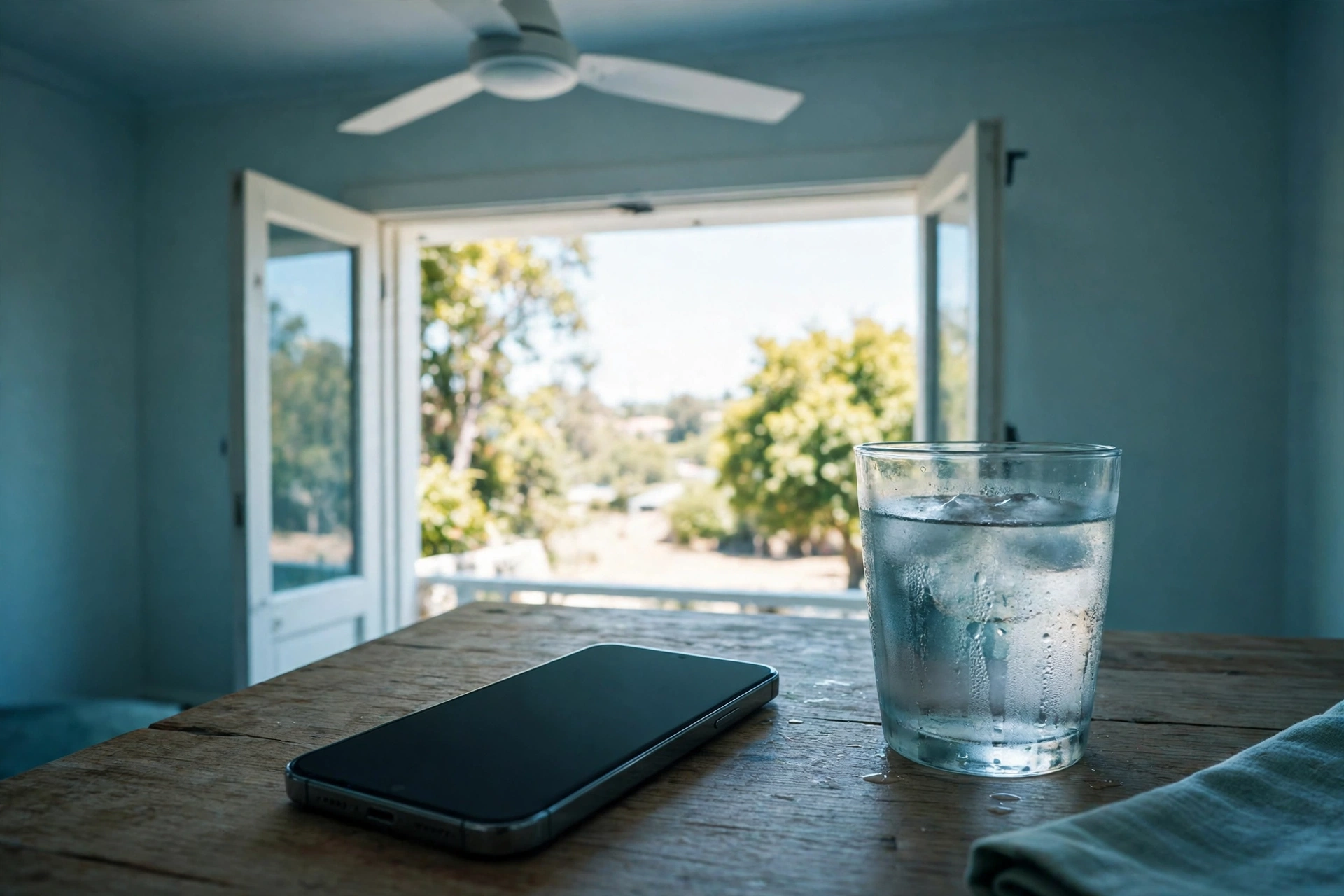
Do not keep using it while it cools. Do not charge it while it is hot — charging adds heat the phone cannot shed. Do not put it in front of a car air-conditioner vent blasting cold air either; the sudden temperature swing is not what the phone wants. Shade, airflow and patience are the whole method, and it usually takes ten to twenty minutes.
And here is the one thing you must never do: do not put an overheating phone in the fridge or freezer. It sounds logical — fridges are cold, phones are hot — but repair technicians, manufacturers and safety experts all agree it is one of the worst things you can do. The BBC reported in 2026 that a UK repair shop was flooded with phones destroyed this way during a heatwave. The problem is not the cold itself; it is condensation. When a warm phone enters a cold, humid fridge, moisture forms inside the device — on the display, the charging port, the logic board and the battery connectors — and that moisture causes corrosion and short circuits. The Associated Press, citing guidance from Apple, Samsung, Google and UK retailer Currys, warned against it for the same reason. A phone pulled out of a fridge can look fine and fail hours later when the touchscreen stops responding. As one repair specialist put it, putting a phone in the refrigerator to cool it down can be as harmful as letting it overheat. The water damage from a fridge can be far worse than the heat you were trying to fix.
For day-to-day prevention, the habits are simple: keep the phone out of direct sun, never leave it in a parked car, take the case off while fast-charging or gaming, avoid charging while gaming in a hot room, and charge overnight in a cool spot rather than under a pillow or blanket, where the heat has nowhere to go. A Samsung Galaxy A07 or an Infinix Smart 20 has no vapour chamber or flagship cooling — budget phones in Pakistan heat up faster and cool down slower, so these habits matter more on the phones most people actually own.
When overheating means a hardware fault
Sometimes the heat is not the weather and not your habits. It is the phone itself. Here is how to tell the difference — and when to stop troubleshooting and get the phone checked.
The phone gets hot while idle. A healthy phone sitting on a table, doing nothing, should cool down, not heat up. If yours stays warm for hours, gets hot to the touch while idle, or runs warm in your pocket for no obvious reason, something is wrong — usually a runaway background process, a failing battery, or a software loop. Restart the phone first; if the heat comes back within an hour of light use, it is not the weather.
The battery drains fast and the phone is hot. Heat plus rapid drain is the classic failing-battery pattern. As lithium-ion batteries age, their internal resistance rises, they hold less charge, and they generate more heat under normal use. If the phone also shuts down unexpectedly, jumps from 30 percent to 5 percent, or only works properly while plugged in, the battery is the likely culprit. If your phone shows a battery health reading, anything below 80 percent is a sign a replacement is worth considering — but a phone can show acceptable battery health and still have a charging-port or power-management fault, so do not rely on that number alone.
The battery is swollen. This is the urgent one. If the back panel is bowing, the screen is lifting away from the frame, the phone rocks on a flat surface, or the case no longer fits, the battery cell is swelling with gas and needs professional attention as soon as possible. Stop charging it, stop using it, do not press the screen back down, and do not try to puncture or open the battery yourself — a swollen lithium cell can ignite if punctured or compressed, and it can crack the screen and damage the board around it. Keep it away from anything flammable and take it to a repair shop the same day.
It started after a drop or water exposure. Internal damage is not always visible. A damaged battery connector, a bent charging component, a cracked solder joint, or corrosion from moisture can create a short or force components to work abnormally. If the overheating began right after a drop, a splash, or a repair, that timing is the diagnosis — get it inspected rather than waiting for it to get better on its own.
There is a burning smell, smoke, or discoloration. Move the device away from flammable materials, stop using it immediately, and do not attempt a home battery repair. This is the one case where you do not wait and see.
If none of these apply and the phone only gets hot in the sun, while gaming, or while fast-charging, it is almost certainly environmental — fix the habit, not the phone. If one of them does apply, back up your data first if the phone is stable enough, then take it to a reputable repair shop for a diagnostic check of the battery, charging port and board. A battery replacement is a routine job on most phones sold in Pakistan — a Tecno Pova Curve 2 5G with its 8,000mAh battery, for example, is a big cell that is still just a battery swap when it wears out — but only a technician opening the phone can tell a worn battery from a damaged charging chip or a shorted board.
Pakistan’s summers are not getting cooler — June 2026 pushed past 50 degrees in Sindh, and even November days in Jacobabad still reach 35. Your phone was designed for 35 degrees and below, so the gap between what the weather does and what the phone tolerates is real, and it is widest exactly when you need the phone most. Keep it in the shade, keep it off the dashboard, let it cool naturally when it gets hot, never put it in the fridge, and treat a phone that heats up while doing nothing as a phone asking for a repair. MobZilo will keep tracking phone prices and practical guides for Pakistani users as new models arrive.
Facts checked 6 November 2026 from Apple Support, Samsung Support and Google Pixel help pages (0–35°C operating range, storage below 45°C, 16–22°C ideal zone), Pakistan Meteorological Department heatwave reports via ARY News, The Nation and ProPakistani (June 2026: Dadu 51°C, Jacobabad 48°C, Lahore 41–42°C, Karachi 37°C, feels-like 42°C), and BBC/Associated Press reporting on fridge-cooling damage (condensation, corrosion, short circuits). No prices in this article. Confirm any repair quote with the shop before handing over the phone.