How to Check PTA Tax in Pakistan: 3 Easy Methods

If you want to know what you owe on an imported phone, there are three reliable ways to check your PTA tax in Pakistan — the DIRBS portal, an SMS to 8484, and the PTA website or app. But there is a trap most people fall into: checking the tax AMOUNT and checking the registration STATUS are two different things, and they use the same tools. This guide walks through all three methods, what each result means, and what to do next.
Quick primer: PTA runs DIRBS, the system that registers phone IMEIs, but the tax itself is FBR’s — four charges (regulatory duty, sales tax, advance income tax on the CNIC route, and the handset levy) computed from your phone’s assessed value and the registration-day exchange rate. Whatever method you use, DIRBS quotes the exact amount tied to your IMEI before you pay.
Method 1: The DIRBS Portal (Most Detailed)
Go to dirbs.pta.gov.pk — the official Device Identification, Registration and Blocking System portal. You will need your phone’s IMEI (dial *#06# to see it). Enter the IMEI in the verification field and submit. The portal shows your device’s registration status and, for an unregistered device, the exact tax amount you need to pay — broken into the tax components — plus the payment options.
This is the method to use before buying a used phone or before paying anything. A screenshot or a verbal “it’s PTA approved” from a seller is not proof — an IMEI lookup is. If you are registering on a passport, do it within 60 days of arrival; the old duty-free concession was withdrawn in July 2019, so the tax still applies on every route, though the passport route skips the advance income tax.
Payment from DIRBS goes through 1Bill, JazzCash, Easypaisa or HBL Konnect; activation usually follows within 24 to 72 hours. And if the bill is steep, note that the sales-tax portion may be payable in instalments under FBR CGO No. 06 — see our guide to paying imported phone tax in installments.
Method 2: SMS to 8484 (Fastest)
The quickest check needs no internet. Open your phone’s messaging app, type your 15-digit IMEI number (just the digits, no spaces or dashes), and send it to 8484. You will get an SMS back with the device’s status. This works on any phone, including the basic handset you might be buying second-hand.
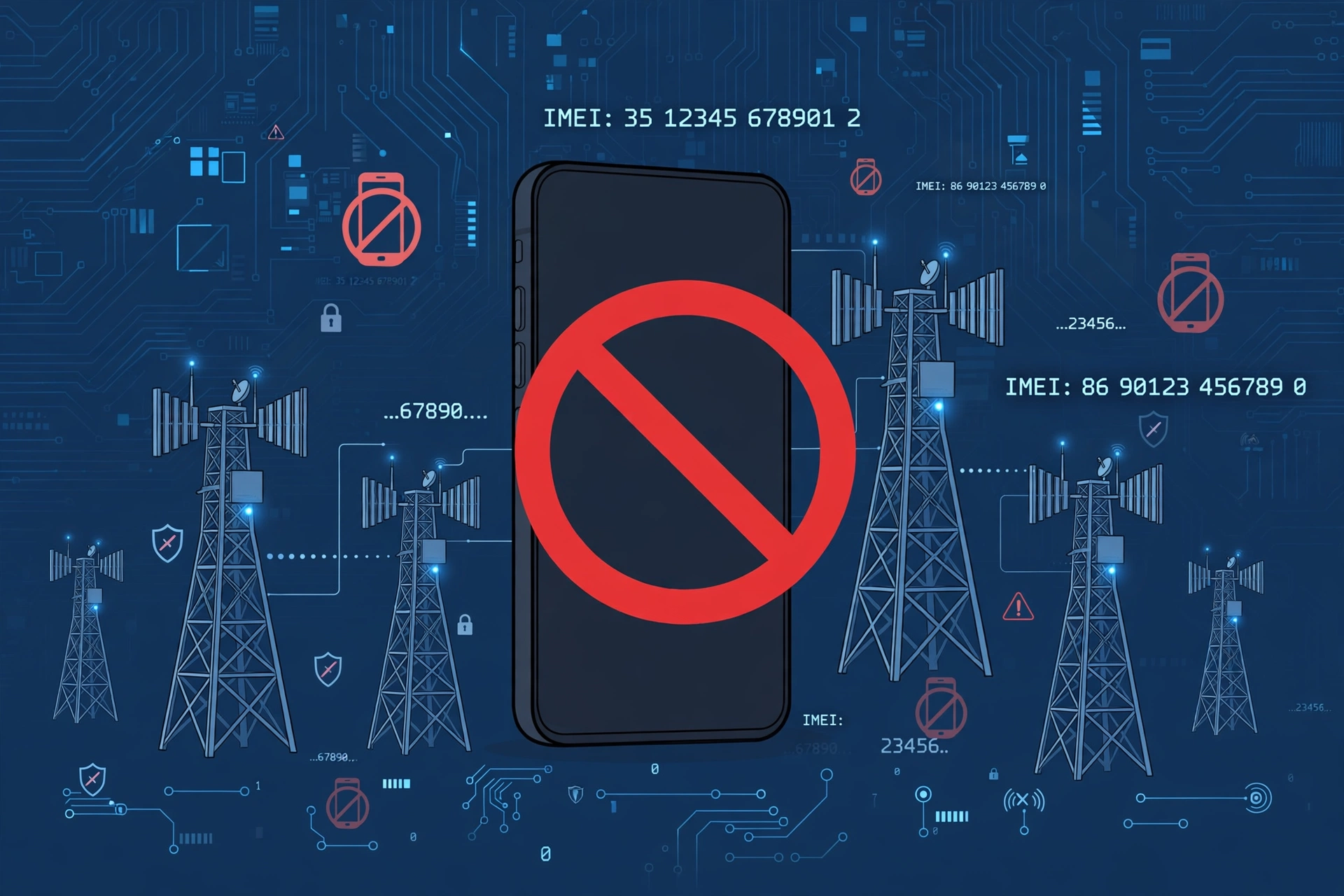
What the replies mean: “Compliant” means the IMEI is registered and the tax is paid — the phone is PTA-approved. “Non-compliant” means it is not registered — you can still register and pay the tax through DIRBS. “Blocked” means the device has been blocked for use on local networks, often because of a fake or duplicated IMEI.
Note the SMS tells you the STATUS, not the rupee amount. To see the actual tax figure, follow up on the DIRBS portal with the same IMEI — the portal shows the bill the SMS does not.
Method 3: The PTA Website and App
PTA’s website and mobile app offer the same verification as the portal — enter the IMEI and read the status. Some versions also link through to DIRBS payment. The underlying database is identical, so use whichever is convenient; the portal and the app will never disagree because they read the same record.
A word on third-party “PTA tax checkers” and calculators: they estimate using saved tables and snapshots, not the live DIRBS record. They are fine for ballparking a flagship like the iPhone 15 Pro Max or a Galaxy S24 Ultra, but only DIRBS (or the 8484 reply) reflects your phone’s actual status. Never pay anyone based on a third-party site’s figure — pay through the official channels DIRBS gives you.
Reading Your Result: Tax Amount vs Registration Status
This is the distinction that confuses everyone. Checking the TAX AMOUNT answers “how much do I owe?” — the DIRBS portal shows it as a rupee figure before you pay. Checking the REGISTRATION STATUS answers “is this phone legal on Pakistani networks?” — the reply is compliant, non-compliant or blocked.
The two connect like this: an unregistered phone has a tax amount due AND a non-compliant status; paying the DIRBS bill flips it to compliant. A compliant phone has no further tax to pay. A blocked phone usually cannot be fixed by paying — see the next section. Our separate guide to checking whether a phone is PTA approved covers the status side in more detail.
Example: you check a used iPhone and 8484 says “non-compliant”. That means no tax has been paid on it yet — you would owe the full DIRBS amount (for a flagship, the above-US$700 band: fixed components of PKR 45,100 for a filer on CNIC plus 25% sales tax). Factor that into the price you agree with the seller.
Common Mistakes and What to Do Next
Mistake one: checking the wrong IMEI. Dual-SIM phones have two IMEIs — check both. Mistake two: trusting the seller’s word instead of the IMEI lookup. Mistake three: confusing a tax-payment receipt with registration — the phone is only approved once DIRBS shows compliant, usually within 24 to 72 hours of payment.
If your device is non-compliant, register and pay through DIRBS — that is the fix. If it is blocked because of a fake or duplicated IMEI, there is usually no legitimate way to register it; buy phones from reputable sellers and verify the IMEI before money changes hands. PTA’s enforcement is serious: nearly 100 million unauthorized devices were blocked in FY2024-25.
Tax rules change every budget, so always confirm your own case via PTA DIRBS before paying. For current phone prices and specs to compare against your tax bill, MobZilo tracks them all.